
Computer Basics & Operating System Training in Sydney

Practical Windows and macOS lessons covering files, typing, documents, and essential troubleshooting

Beginner-friendly • 1-to-1 private tutoring • Sydney-based

Upgrade Your Computer Confidence

Mouse & Keyboard Confidence 95%
Document, PDF, Print & Share Mastery 85%
File & Folder Organisation Skills 75%

What We Offer?

Build Real-World Computer Confidence in Sydney

Whether you’re opening your first laptop, switching from Windows to Mac, or simply want to understand your computer better, our Computer Basics classes in Sydney are crafted to give you practical, everyday skills with patience and clarity. Unlike generic online courses, these lessons are personalised to your device, your pace, and real-life tasks you’ll actually use.

What you’ll gain?

  • Use your mouse and keyboard without feeling confused or slow

  • Understand your laptop screen, buttons, and menus (Windows or Mac)

  • Find your files easily and organise them into folders like a pro

  • Create documents, save them, turn them into PDF, print, and share—stress-free

  • Fix everyday computer problems step-by-step (like Wi-Fi, sound, updates, storage full)

  • Learn 1-to-1 with a friendly, patient tutor right here in Sydney

Who These Lessons Are Designed For?

Our Computer Basics classes in Sydney are built for real people who want to learn essential Windows and Mac skills in the simplest, most practical way possible. Whether you’re using a computer for the first time, adjusting to life in Australia, or switching between operating systems, these lessons give you patient 1-to-1 support and everyday digital confidence.

Computer Basics for Total Beginners

Perfect for first-time laptop/PC users in Sydney who want simple lessons on clicking, typing, saving files, and understanding Windows or Mac screens.

Seniors and retirees

For Sydney seniors searching for jargon-free help with Wi-Fi, emails, photos, files, printing, and everyday computer confidence.
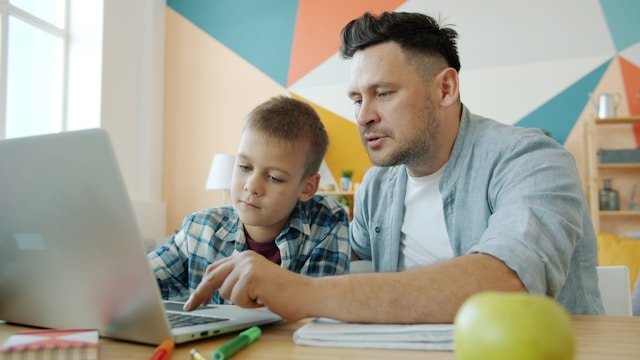
Parents Supporting Schoolwork

Designed for Sydney parents who want to confidently manage school files, create PDFs, use Word/Docs, print homework, and stay safe online.

New Residents & Migrants

For newcomers in Sydney learning Windows and Mac basics needed for work, study, banking, government sites, and daily online tasks.
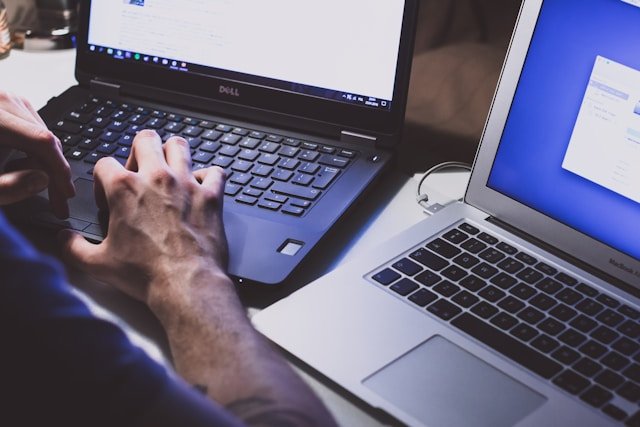
Windows ↔ Mac Switchers

Ideal for Sydney learners moving between Windows and macOS who want to quickly understand the differences and use both comfortably.

How Our Sydney Computer Basics Lessons Work

A simple 1-to-1 learning path built for beginners, not tech experts.
Start with a quick free call, get a personalised plan for Windows or Mac, and learn by doing real tasks on your own laptop. No rush, no jargon — just practical skills that build confidence step by step.

01

Start With a Free Intro Call

A quick 10-minute chat to understand what you already know and what you want to learn — no pressure, no tech talk.

03

Learn by Doing, Not Memorising

Every session includes guided hands-on practice — clicking, typing, saving files, making documents, printing, and fixing common issues. Small optional practice tasks can be shared after class if you like.

02

Get a Personalised Plan for Your Needs

We create a simple learning roadmap based on your device (Windows or Mac), and the real tasks you’ll use in daily life.

04

Try It Yourself (Confidence Check)

You’ll repeat the same steps independently with gentle support, so the skills actually stick and feel natural.

Why Sydney Beginners Choose Us for Computer Basics?

We’re not just another computer class — we’re the patient local tutor Sydney learners actually trust to go from “I don’t get this” to “I can do this myself.” Our lessons are built around your laptop, your speed, and the everyday tasks you need for school, work, or life in Sydney.

What makes us different:

  • Learn at your own pace — no confusing jargon, no rushing, no overwhelm

  • Ask questions freely — every doubt is welcome, anytime during the lesson

  • Hands-on practice on your laptop — you learn by doing real tasks, not watching videos

  • Easy step-by-step notes after every class — so you never forget what you learned

  • Supportive, friendly, and judgement-free tutoring — perfect for beginners, parents, seniors, and device switchers

Learn how we helped 100 top brands gain success